Tutorials
Form 8949 Team
April 02, 2024
2 min read
How to Export and Import Your Coinbase Transaction History
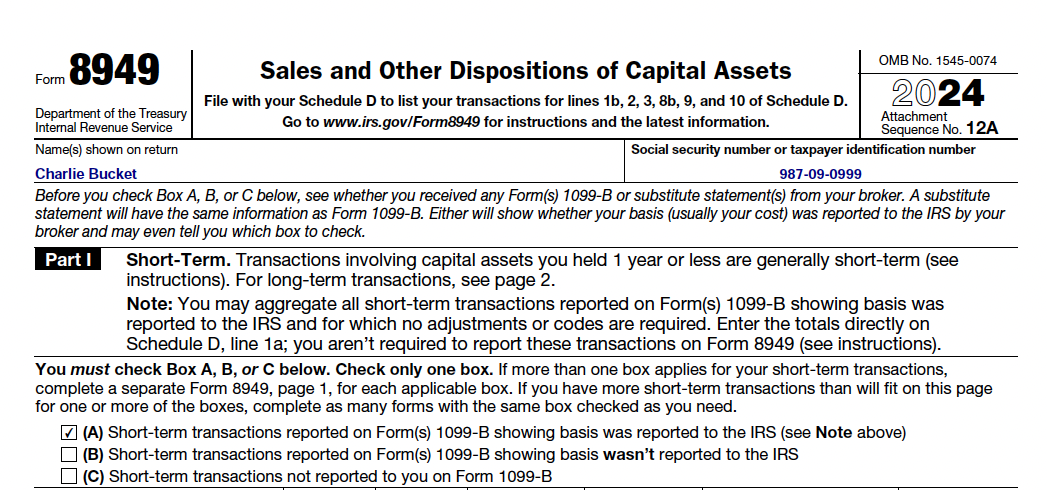
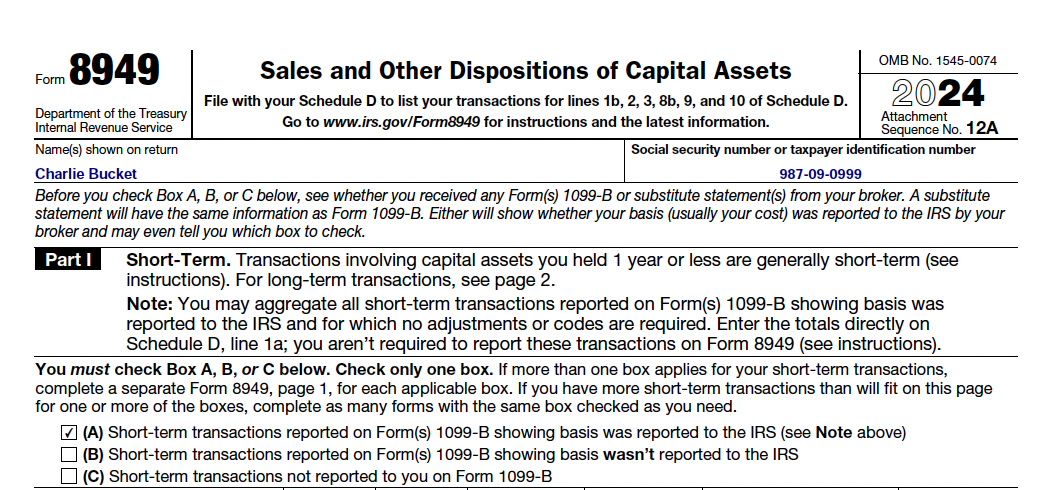
How to Export and Import Your Coinbase Transaction History\n\nPreparing your crypto taxes doesn't have to be complicated. This guide will walk you through the process of exporting your transaction history from Coinbase and importing it into our Form 8949 Generator.\n\n## Step 1: Access Coinbase Tax Center\n\n1. Log in to your Coinbase account\n2. Navigate to the Taxes section of your account\n3. Look for the "Transaction History" or "Tax Documents" section\n\n## Step 2: Export Your Transaction History\n\n1. Select the tax year you need data for\n2. Click on "Generate report" or "Download CSV"\n3. Choose "Transaction history" from the options\n4. Select the date range (typically the entire tax year)\n5. Click "Generate Report"\n\nCoinbase will prepare your report, which may take a few minutes depending on your transaction volume.\n\n## Step 3: Download Your CSV File\n\n1. Once the report is ready, click "Download" to save the CSV file to your computer\n2. Note where the file is saved on your computer (usually in your Downloads folder)\n\n## Step 4: Upload to Form 8949 Generator\n\n1. Return to the Form 8949 Generator\n2. Drag and drop the CSV file you downloaded, or click to browse and select it\n3. Our tool will automatically process your transactions and generate your Form 8949\n\nThat's it! Your Form 8949 will be generated based on your Coinbase transaction history.\n\n## Common Issues and Solutions\n\n- File format error: Make sure you're uploading a CSV file, not a PDF or other document format\n- Empty file: Ensure your export contains transaction data (if you had no transactions, there won't be any data to report)\n- Missing information: Verify that your Coinbase export includes all necessary fields, particularly dates, amounts, and asset names\n\n## Direct Links\n\n- Coinbase Tax Documents\n- Form 8949 Generator\n\nNeed more help? Contact our support team for assistance with your cryptocurrency tax reporting.